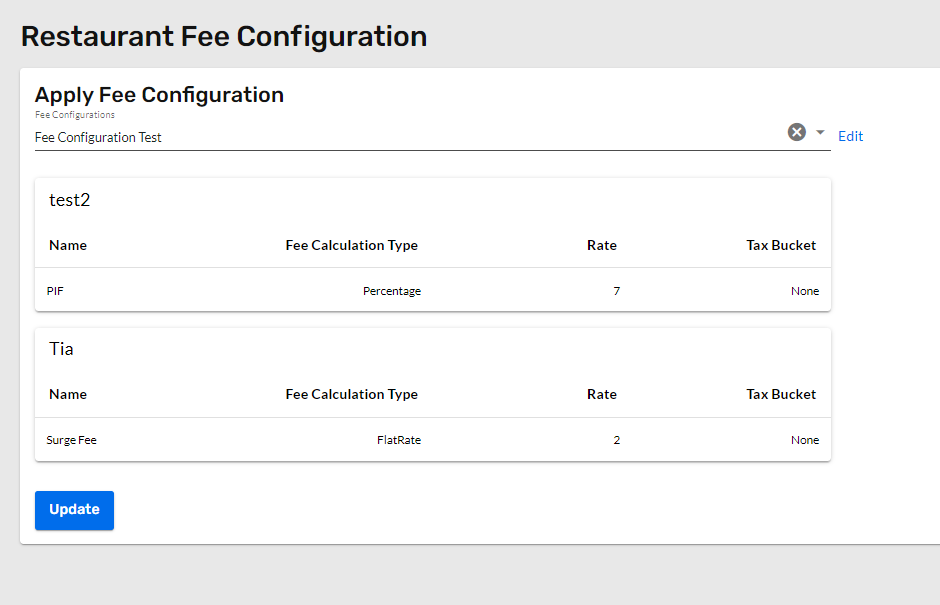
Adding and applying a fee configuration to a restaurant is easy with the the shared configurations feature. All that is required is selecting a fee configuration from a drop down and applying it to the restaurant. If none of the available fee configurations are right the restaurant, then a new configuration can be created - this article can help with that.
- Navigate to the Restaurants section of the admin using the left hand navigation.
- Select the restaurant to apply the fee configuration from the restaurants list. Our sortable columns and filters can assist in finding the location.
- Once the restaurant is open, use the restaurant menu in the left hand navigation to find the "Taxes & Fees" section.
- After opening this section, click 'Fees'
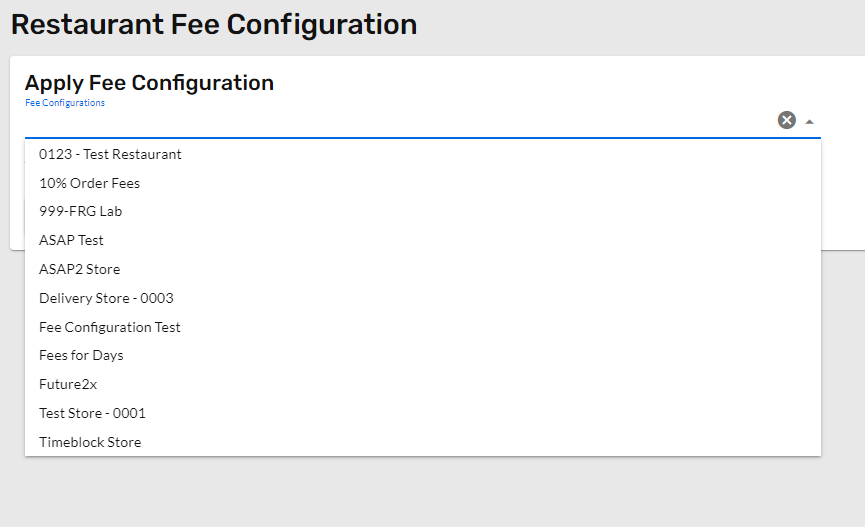
- Under "Apply Fee Configuration" open the drop down and select the fee configuration that applies to this restaurant.
- Click Update, and the fee configuration is now applied to the restaurant.