
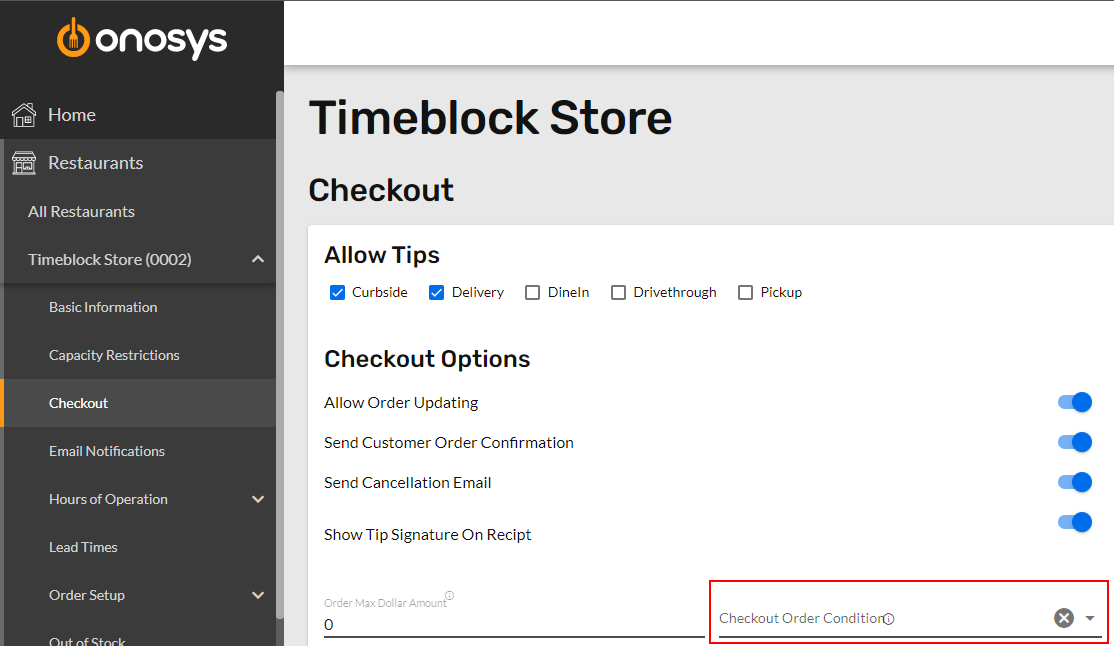
An order condition can be enforced so that it is met before a storefront customer can check out. In example, the order must be greater than $15. This can be accessed on the Checkout Settings page of the selected restaurant.
To apply a checkout condition:
- Ensure that a restaurant is actively selected.
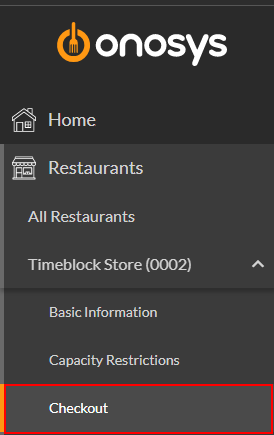
- On the navigation pane, click the name of the restaurant to expand the restaurant node.
- Click Checkout. The Checkout Settings page will populate to the right of the navigation pane.
- Select the applicable condition from the Checkout Order Condition dropdown.
- When finished making changes, click Update.