
To accommodate the available payment methods of a restaurant, admin users are able to manage payment methods in the payment section of the admin.
Note: If adding a new Credit Card or Gift Card payment type with new credentials, the credentials and other payment settings (available credit cards, etc.) will need to be added via the legacy admin.
To create a payment method:
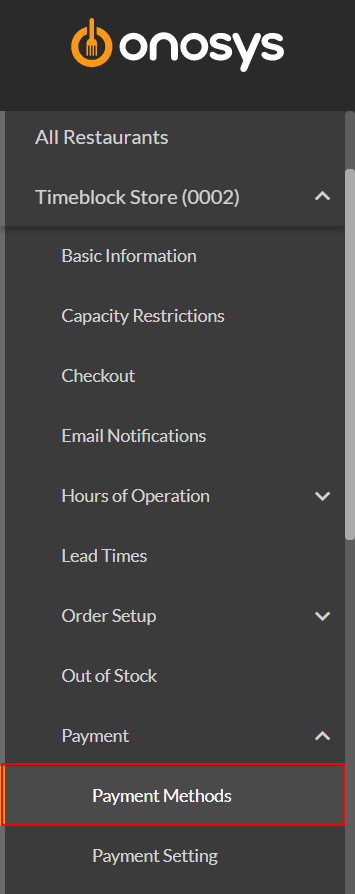
- Ensure that a store is actively selected.
- On the navigation pane, expand the restaurant node by clicking the name of the restaurant.
- Click Payment.
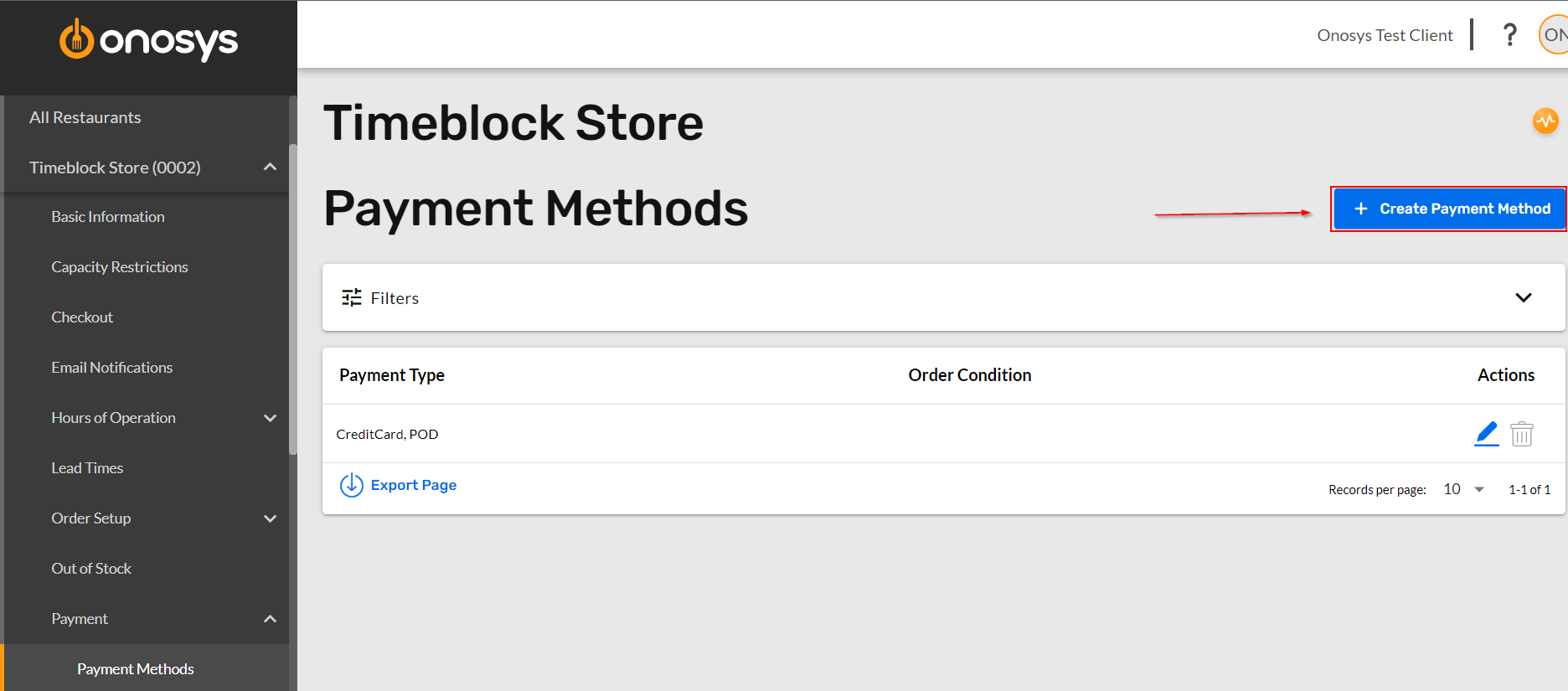
- Click Payment Methods. The Payment Methods screen will populate to the right of the navigation pane.
- Click + Create Payment Method. The Create New Payment Method module will open.
- Click Select Payment Type.
- Check the box for each applicable payment type, or click Select All.
- At this point, an order condition may be added that applies for these payment types. This step is not required.
- When finished, click Create. The Create New Payment Method module will close, and the new method will appear as a line item below.