
Admin users have the ability to enable tipping for different methods of fulfillment. This can be accessed on the Checkout Settings page of the selected restaurant.
To allow tips:
- Ensure that a restaurant is actively selected.
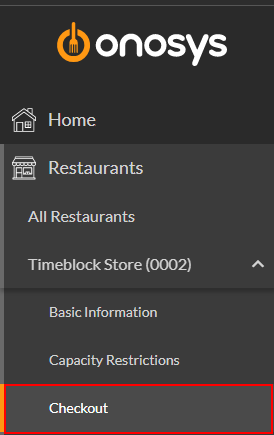
- On the navigation pane, click the name of the restaurant to expand the restaurant node.
- Click Checkout. The Checkout Settings page will populate to the right of the navigation pane.
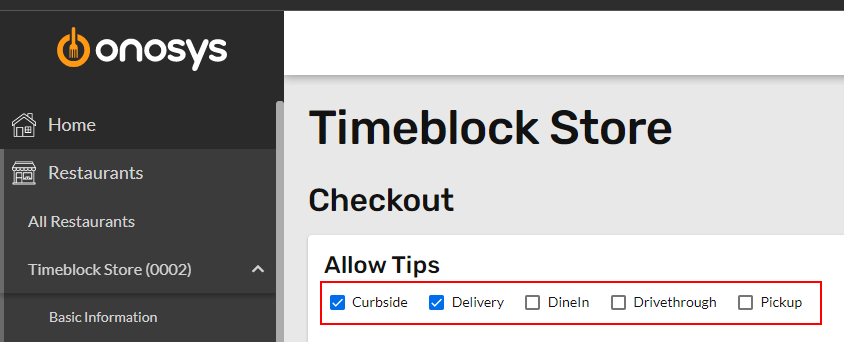
- In the Allow Tips section, check the boxes that relate to the fulfillment methods for which tips should be allowed.
- When finished making changes, click Update.