
There may be certain days or times where delivery lead times should be adjusted to be shorter or longer than normal. These changes can be made on the Temporary Overrides page of the Restaurant settings.
To set a delivery lead time override:
- Ensure that a restaurant is actively selected.
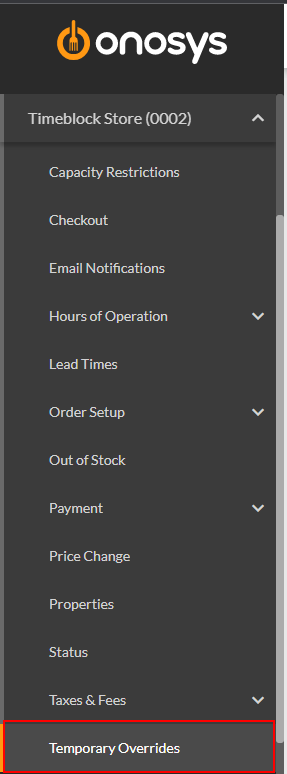
- In the navigation pane, expand the restaurant's node by clicking the name of the restaurant.
- Click Temporary Overrides. The temporary overrides page will populate to the right of the navigation pane.
- In the Delivery Lead Time Override section, click the Set Lead Time dropdown.
- Set the desired lead time by clicking it.
- Click the Revert Date calendar, or enter a revert date. This is the day the override will expire and no longer be in effect.
- Click the Time field and enter a time that the override should expire.
- When finished making changes, click Update.