
For many storefront customers, only one menu type may be most relevant. The Fulfillment section of Order Setup allows admin users to choose the default menu type for storefront orders.
To modify default menu type:
- Ensure that a store is actively selected.
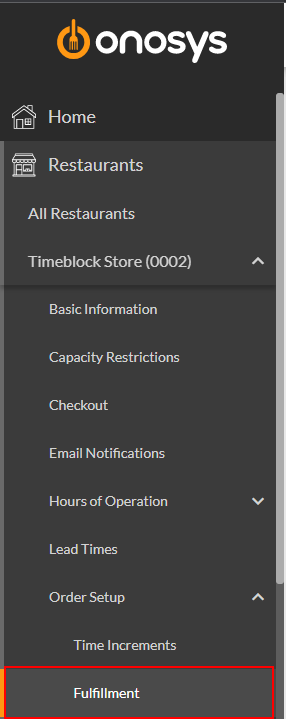
- In the navigation pane, click the store's name to expand the store node.
- Click Order Setup.
- Click Fulfillment. The Fulfillment page will populate to the right of the navigation pane.
- Select the Default Menu Type dropdown.
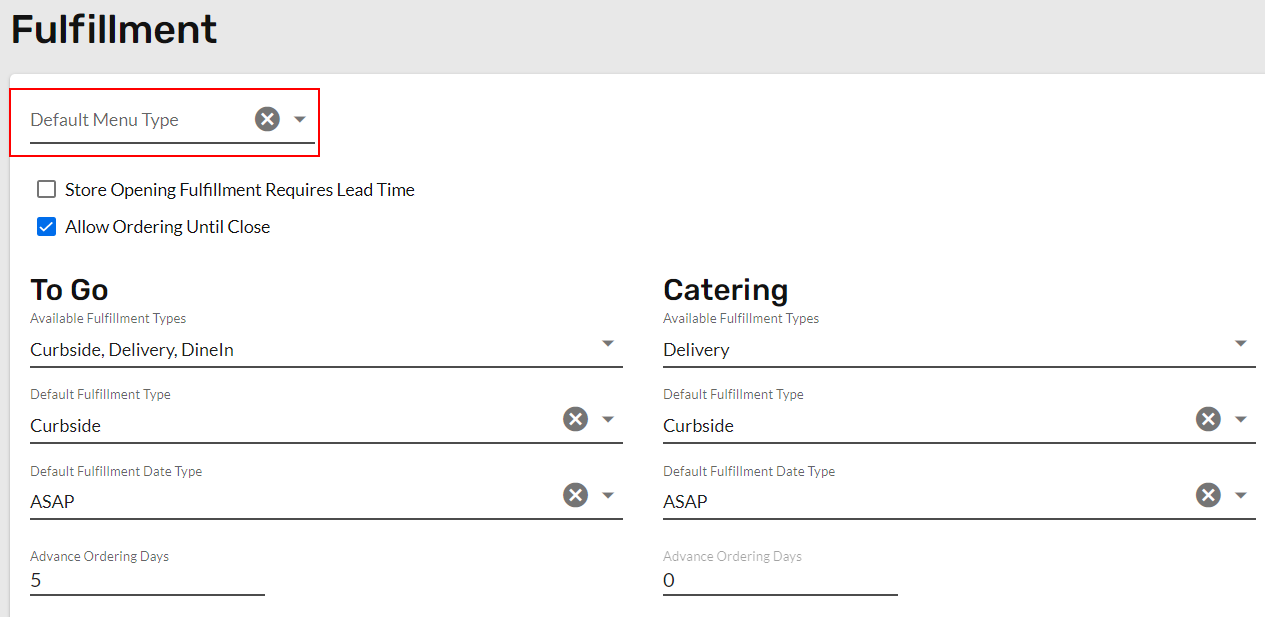
- Select Catering or To Go.
- Click Update. A message box will appear that says 'Fulfillment Saved Successfully'.