
Restaurants can offer a variety of fulfillment types. As such, the Fulfillment section of Order Setup allows admin users to restrict the available types for catering and to go menus.
To modify available fulfillment types for To Go or Catering Menus:
- Ensure that a store is actively selected.
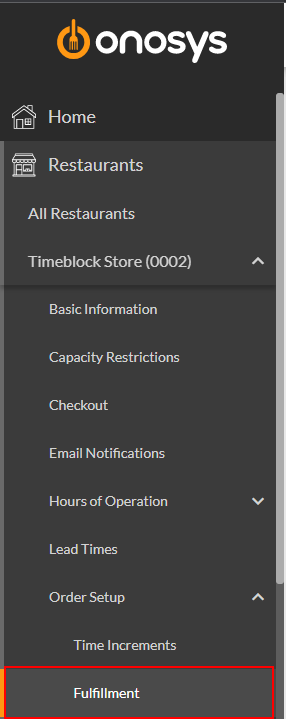
- In the navigation pane, click the store's name to expand the store node.
- Click Order Setup.
- Click Fulfillment. The Fulfillment page will populate to the right of the navigation pane.
- Select the Available Fulfillment Types dropdown for either To Go or Catering based on the menu the change should apply to.
- Tick the checkboxes for the fulfillment methods to make available or click select all.
- Click Update. A message box will appear that says 'Fulfillment Saved Successfully'.