
In order to meet business needs, it may be necessary to restrict how many days in advance a storefront customer may place an order. As such, the Fulfillment section of Order Setup allows admin users to set the number of days in advance a storefront customer can select for either catering or to go menus.
To set advance ordering days for To Go or Catering Menus:
- Ensure that a store is actively selected.
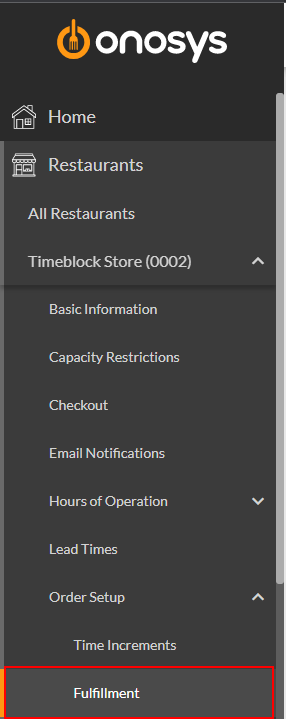
- In the navigation pane, click the store's name to expand the store node.
- Click Order Setup.
- Click Fulfillment. The Fulfillment page will populate to the right of the navigation pane.
- Select the Advance Ordering Days field for either To Go or Catering based on the menu the change should apply to.
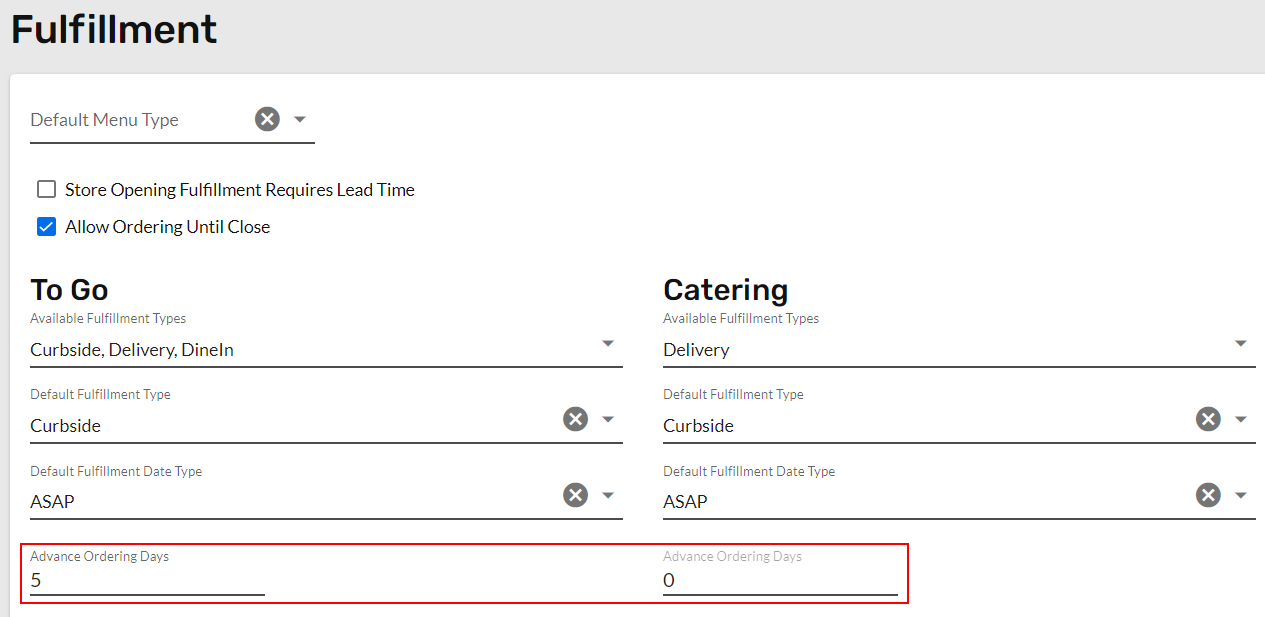
- Enter a numeric value. This represents how many days in advance an order may be placed.
- Click Update. A message box will appear that says 'Fulfillment Saved Successfully'.