
Fee buckets are to be used when adding fees to menu items or orders, such as bottle deposits, recycling fees, public improvements fees, and more.
- To create a fee bucket, navigate to the settings area of the admin.
- Select Taxes & Fees
- Select Global Fee Buckets
- Click the + Create Fee Bucket button

- An new inline section will open in the table. In here, place the name of the new fee bucket:
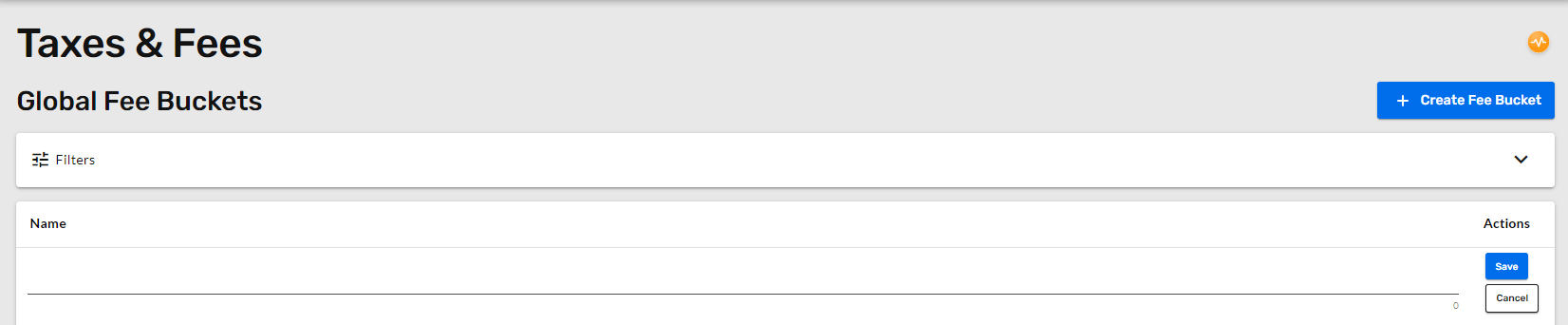
- After you name it, the fee bucket is created. Since it is a bucket for fees, all of the settings under the bucket are configurable under 'Fees.'