
The amount of customer entered coupons allowed per transaction is able to be specified by admin users. This tool can be located with Settings, under Brand Information.
To adjust maximum allowed coupons:
- Using the navigation pane, click Settings.

- Click Brand Information. The Brand Information pane will populate to the right.

- Click the Max Coupon Codes Per Order field.
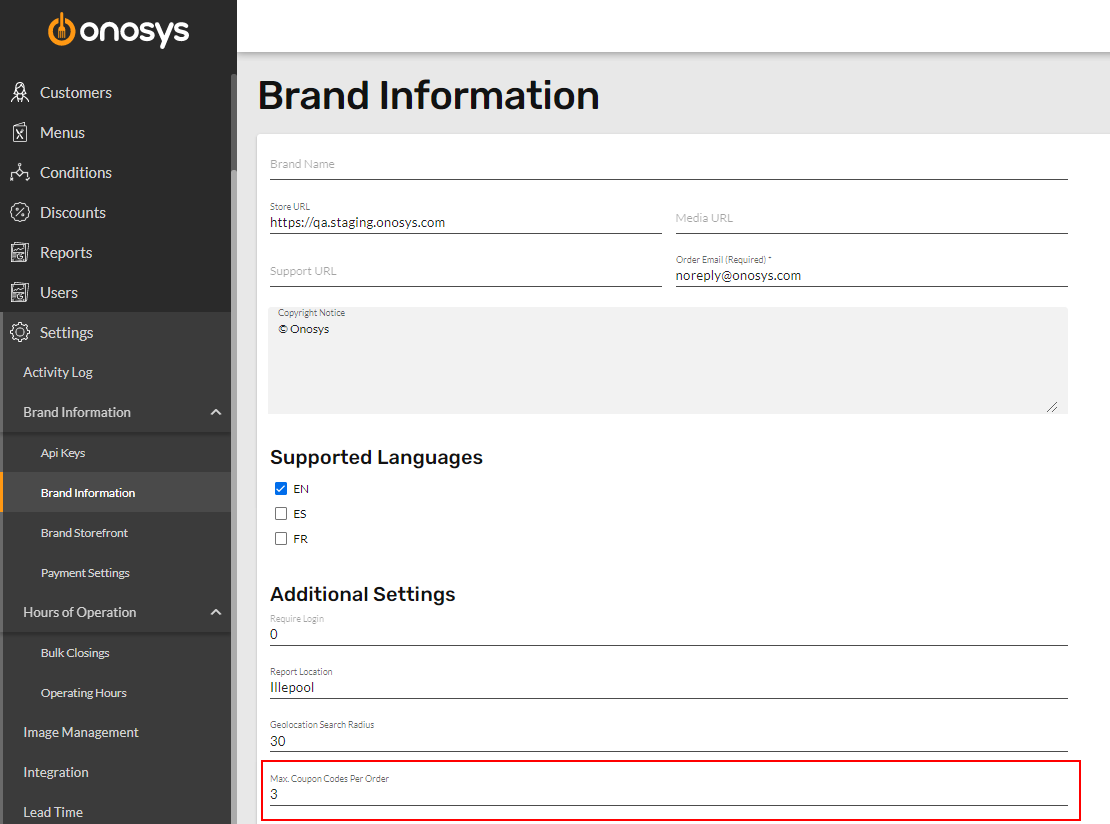
- Enter a numeric value in the field.
- Click Update.
