
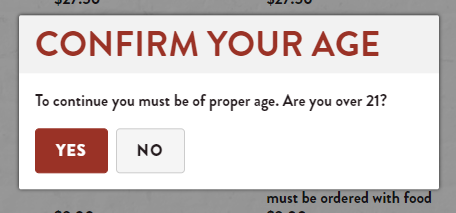
Restricted Items in the Onosys site are items that require verification for users to access. For example: Alcohol is for 21+ only. When set up properly, the site displays a dialogue and requires a valid response before continuing to the item.
How to set up restricted items:
- Log into the client's Onosys Admin.
- In the menu, find the category containing the items you want restricted
- Add `ui-RestrictedItems` as a tag on the category
- Open the items that are to be restricted
- Change the food type property to `alcohol` on the items that are to be restricted
- Save the items
- Publish the menu(s)